Merge, sign, fill, redact and compress PDFs in one Chrome tab. No account, no server, no upload limits.
Add to Chrome — free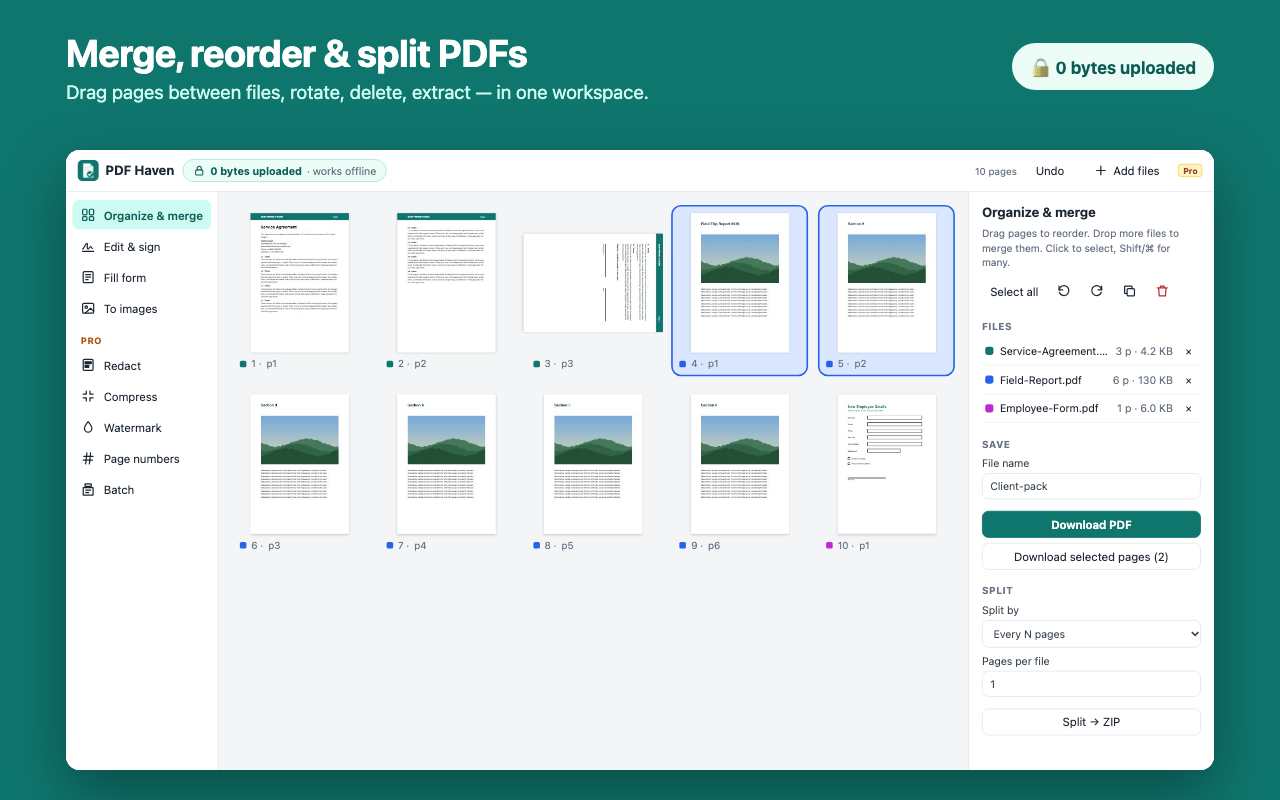
Combine PDFs and images, drag pages into order, rotate, delete, extract, split into a ZIP.
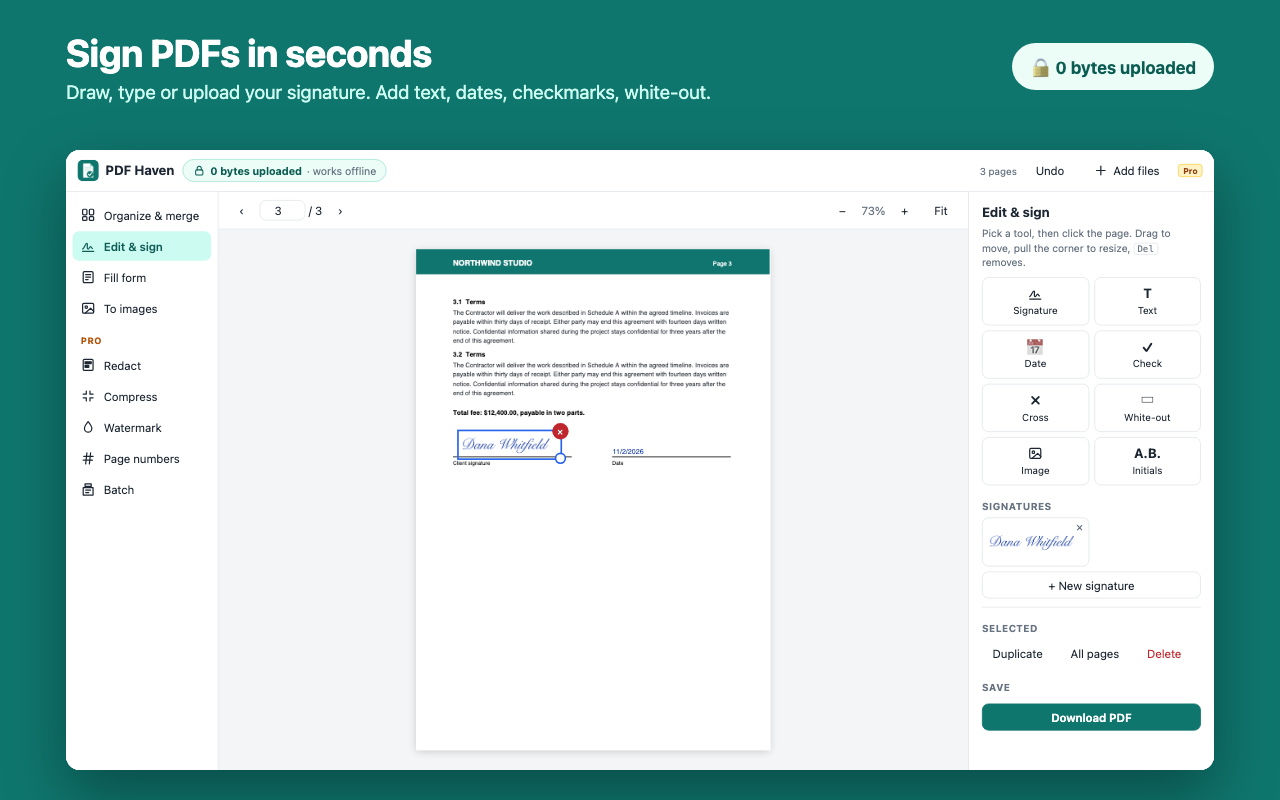
Draw, type or upload a signature. Add dates, text, checkmarks and white-out anywhere.
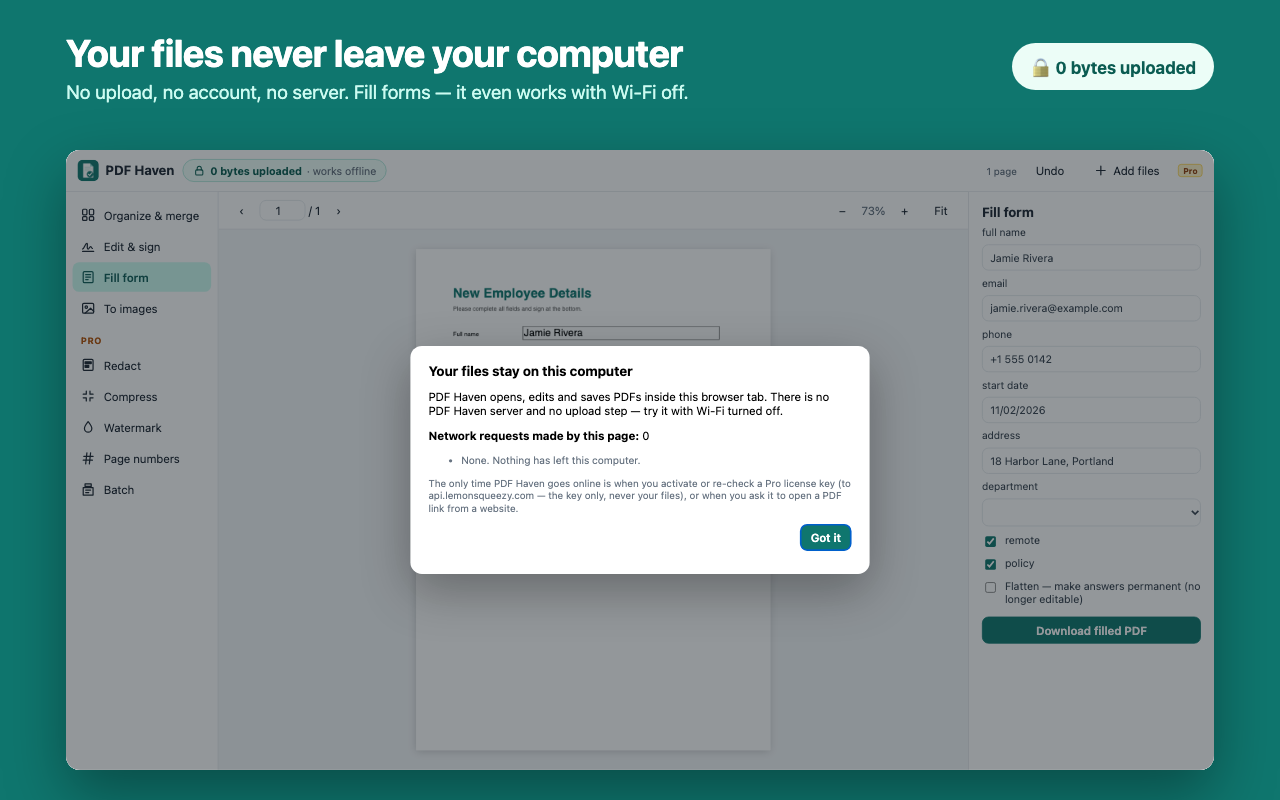
Every field in one panel, answers shown live on the page, flatten when done.
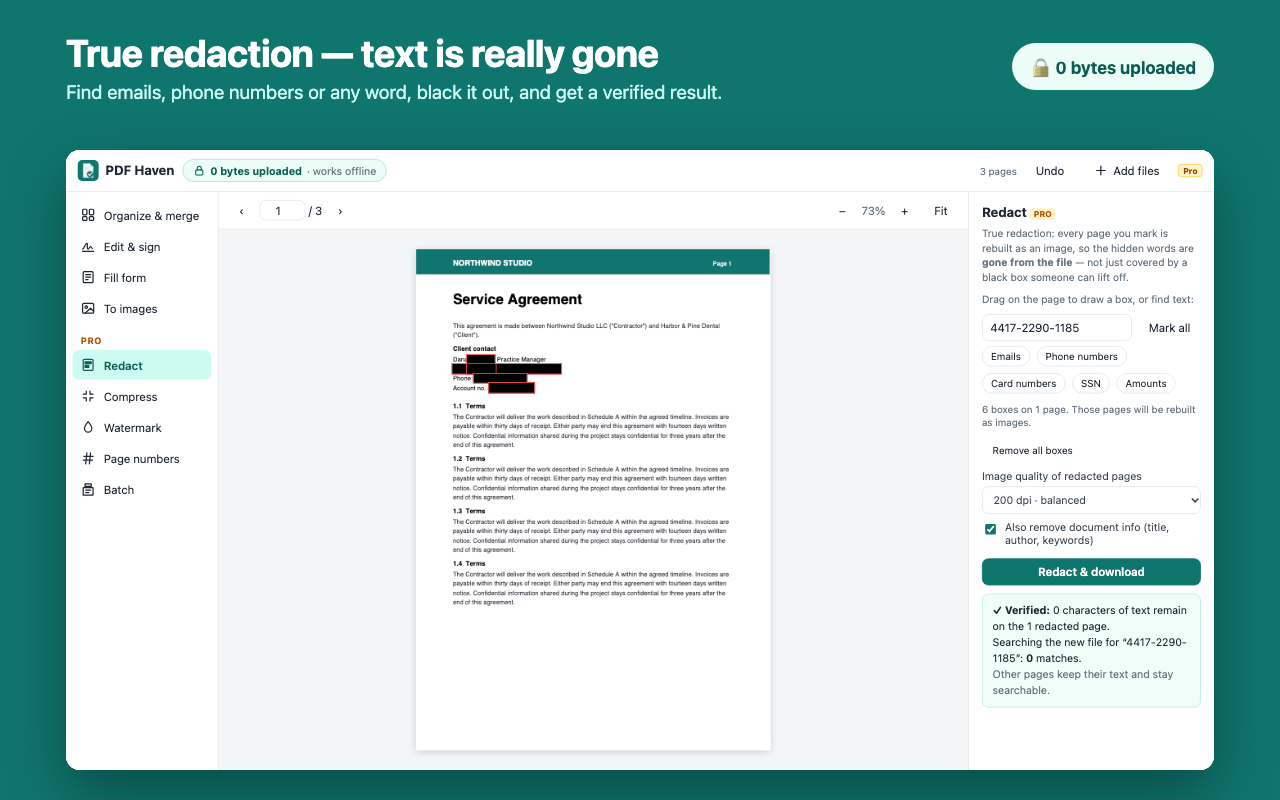
Marked pages are rebuilt so the hidden text is really gone — and the result is verified.
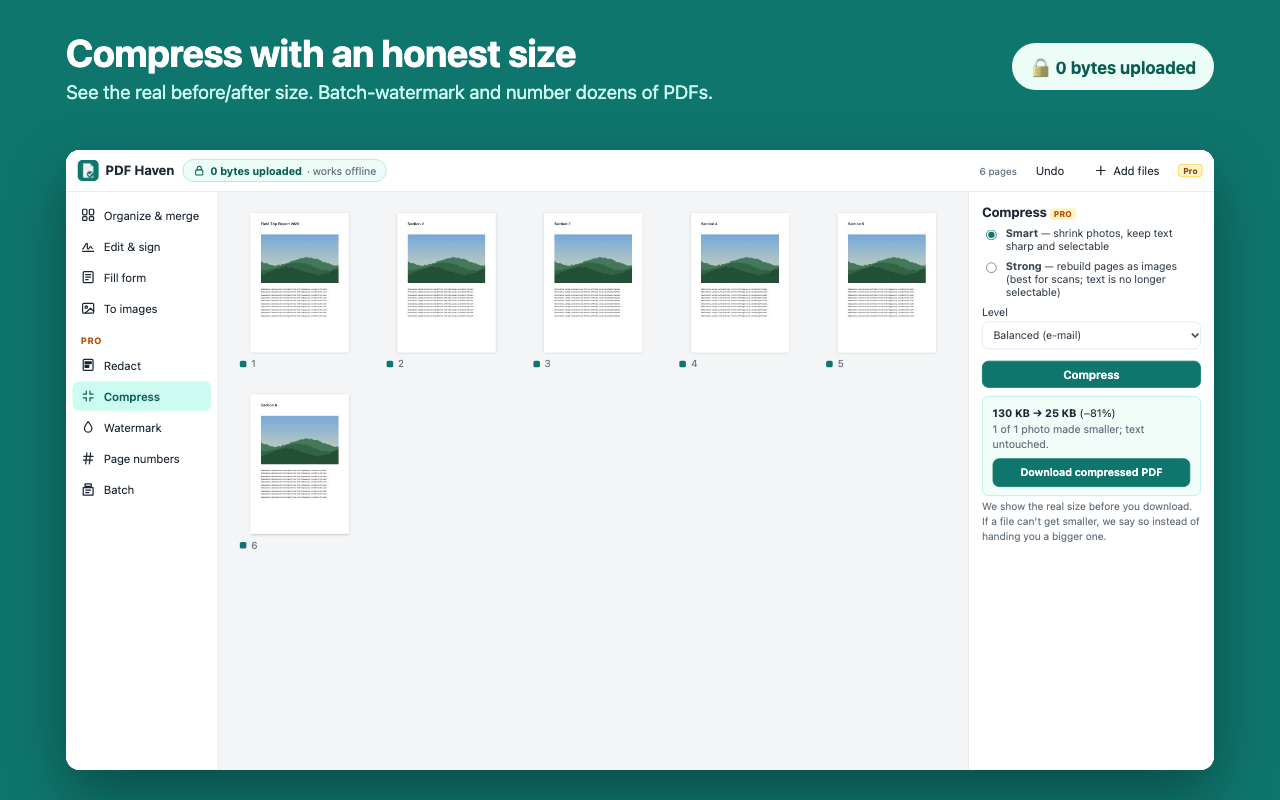
See the real before/after size. Smart keeps text sharp; Strong shrinks scans.
CONFIDENTIAL stamps and "Page 1 of 9" — on one file or a whole batch.
Watermark, number, compress and clean dozens of PDFs into one ZIP.
JPG/PNG/WebP to PDF, and PDF pages to PNG or JPG at up to 300 dpi.
PDFs are contracts, payslips, medical forms, IDs and bank statements. Most PDF websites and many PDF extensions upload them to a server to do even simple jobs like merging. PDF Haven bundles the PDF engines inside the extension, so every job runs in your browser tab. It has no permission to read websites, no analytics, and a live counter of network requests you can check any time.
| PDF Haven | Typical PDF website / extension | |
|---|---|---|
| Files uploaded | Never | Every task |
| Works offline | Yes | No |
| Redaction | Text removed and verified | Often just a black box over text |
| Compression | Real size shown before download | Shown after upload |
| Price | Free core · $49 lifetime option | Mostly subscriptions |
Free forever: view, merge, split, reorder, rotate, sign, add text, fill forms, images ↔ PDF. Pro adds true redaction, compression, watermarks, page numbers, batch mode and unlimited saved signatures. Try Pro free for 7 days — no card.
Payments and license keys are handled by Lemon Squeezy.
 PDF Haven